How products are processed
When products are processed
Automated Categories does not store your product data. It fetches products when needed, evaluates them against your active category rules, and updates their category assignments.
Products are processed when:
- You save a category rule in the app.
- The app automatically reprocesses the full catalogue twice a day.
- On Premium plans and above, a product is created or saved, subject to the limitations below.
Force product reprocessing
Not every product field change triggers immediate category reprocessing. BigCommerce only notifies the app when certain fields change. See the BigCommerce webhook events documentation for details.
Changes to these fields do not trigger immediate reprocessing:
- Custom field
- MPN
- GTIN
To process these changes without waiting for the scheduled run, use one of these methods:
- Save a change to a product field that triggers a BigCommerce product update, such as the product description.
- Re-save the category rule to trigger full catalogue processing.
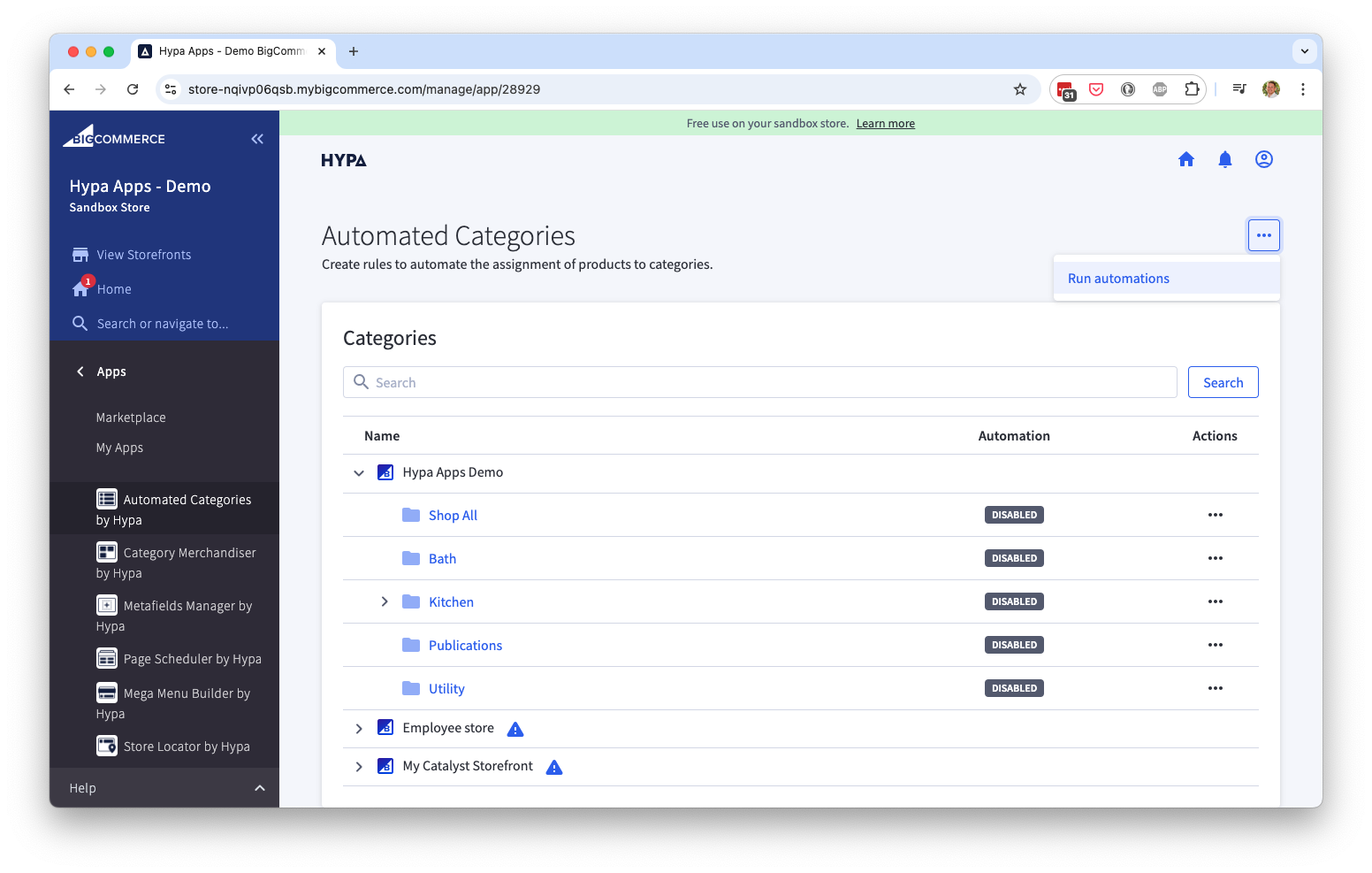
- From the app's category list, select Run automations to trigger full catalogue processing.
Disable rule processing
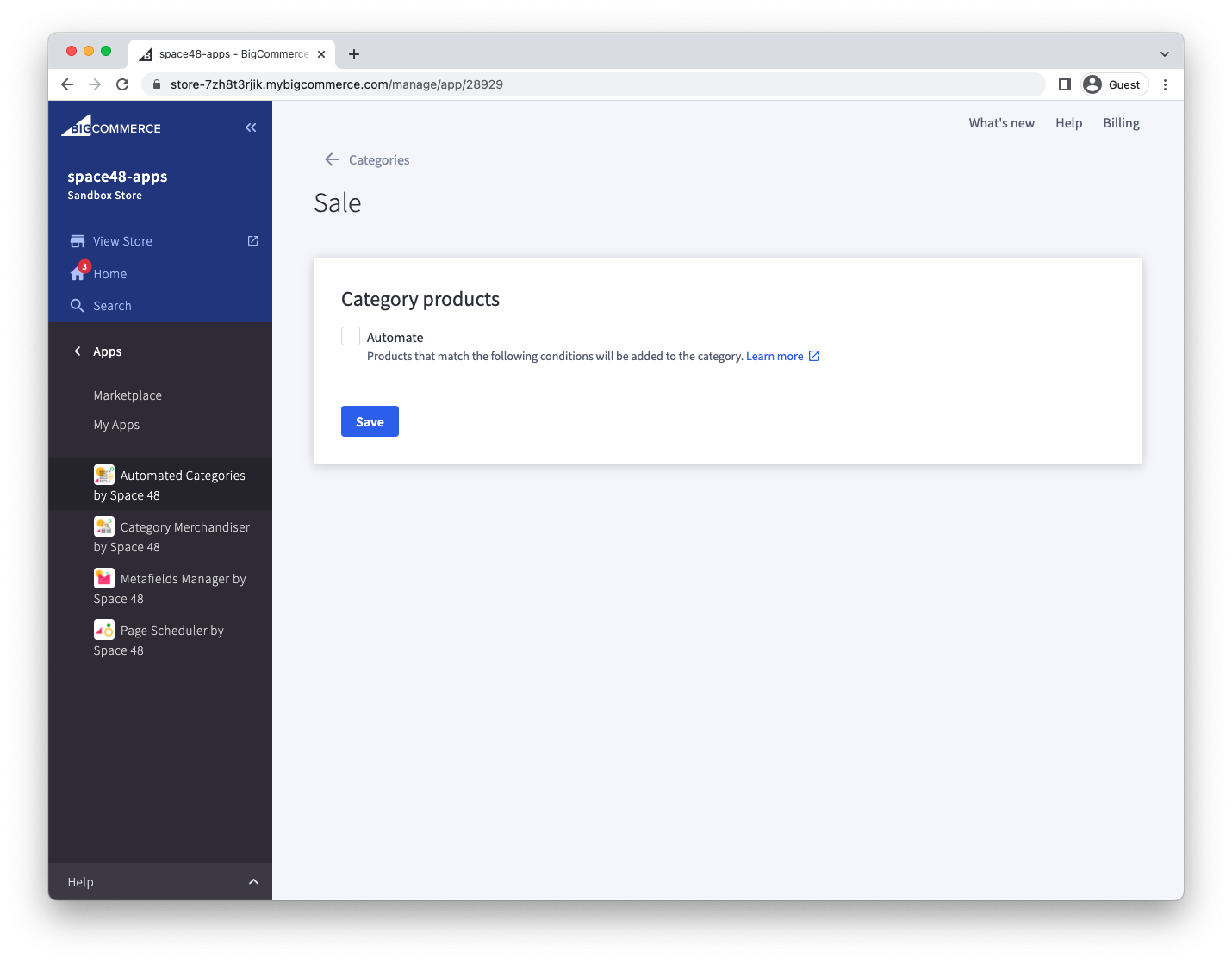
To stop processing a category's rule, edit the category and turn off Automate. You can then manage that category's product assignments with BigCommerce's native controls.
Disabling automation does not restore the category's previous assignments. It only stops the rule from making further changes.
This is useful when you want the app to perform the initial assignment and then manage the category manually.